Built on the details that make a render look real.
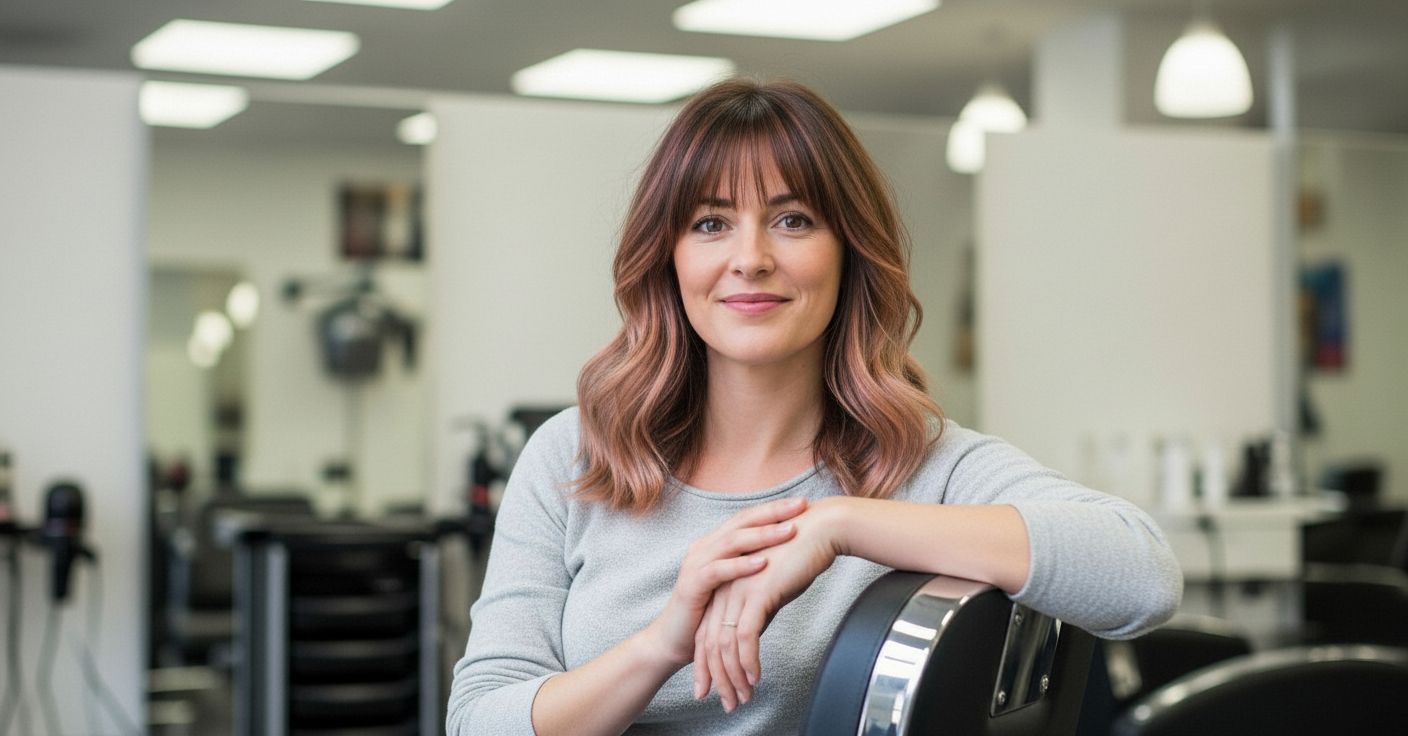
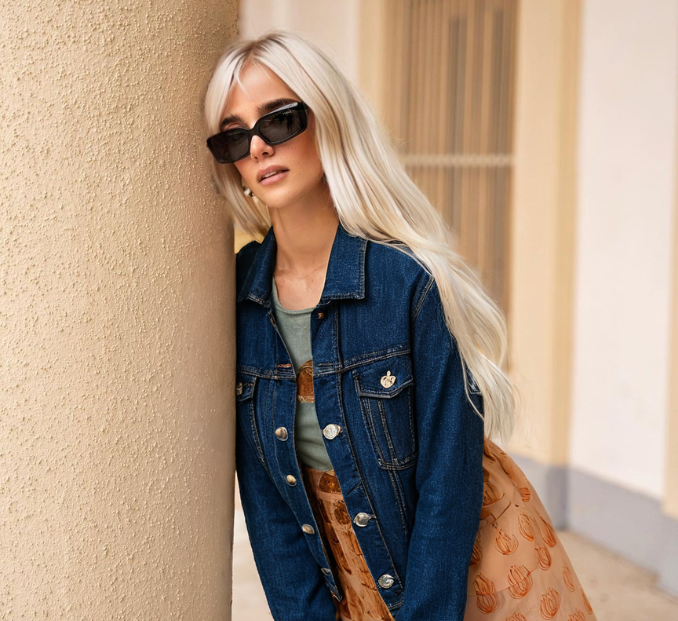
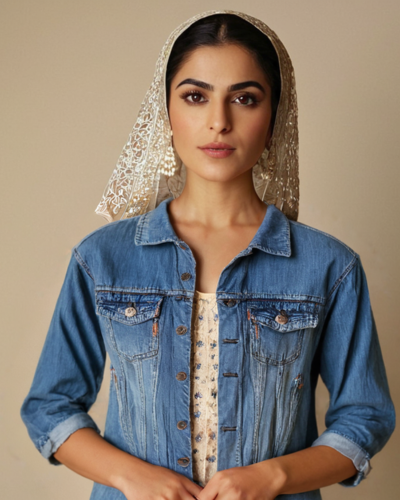
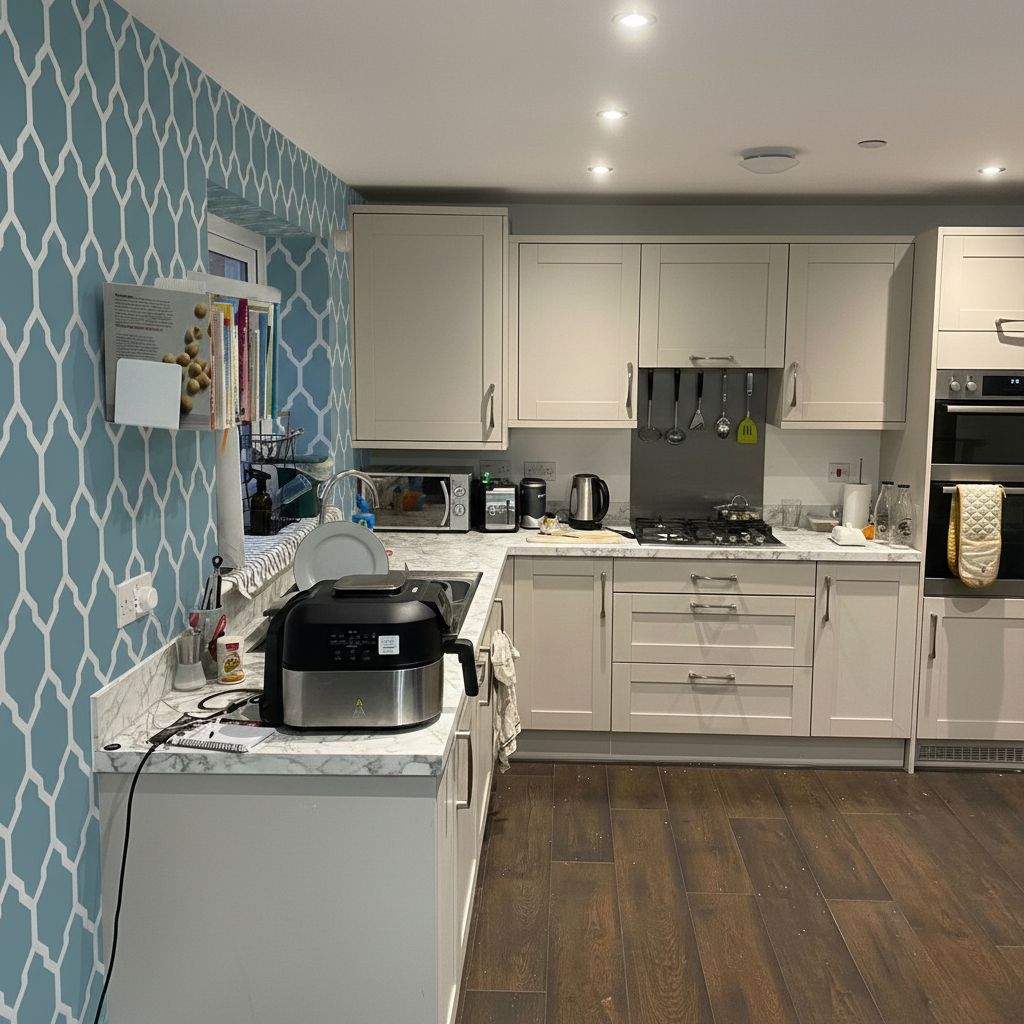
Most visualisation tools get one or two things right — a decent colour match, a passable angle. InSitu is built around every detail that determines whether a result looks convincing: pose, lighting, reflection, depth and material behaviour, across every category we support.
The same engine and accuracy standard across clothing, hair, paint, wallpaper, furniture and flooring
Compared to guessing, mockups, or a static sample.
This is what's actually being replaced when you use InSitu — a swatch, a tester pot, a model photo, or a mockup tool that only handles one fixed angle.
What the engine is actually doing.
Four technical capabilities combine to produce a result that holds up to scrutiny, not just a glance.
No fixed position, no studio setup.
Most tools need a front-on, evenly lit photo to work at all. InSitu maps the subject's actual position — standing, seated, turned to the side — and adapts the result to it, rather than forcing a flat overlay onto a pose it wasn't built for.
Lit the way your photo is actually lit.
The engine reads the direction, colour temperature and intensity of light in your original photo, then applies that same lighting to the new product — rather than lighting it as if it were sitting in a studio.
Fabric, gloss and glass behave like the real thing.
A silk dress catches light differently to a matte cotton one. A gloss paint reflects differently to a chalky finish. The engine models these material properties individually, rather than treating every surface the same way.
Products sit correctly in front of and behind what's already there.
The engine builds a depth map of your original photo, so a new sofa sits behind a coffee table that's already in the room, or a coat sits correctly over — not floating in front of — your arm.


Questions about our capabilities.
How is 95% accuracy measured?
We compare visualisation results against the real outcome once a product is actually purchased or applied, across a large sample of results per category. 95% reflects how closely the visualisation matched the true result on average.
Does accuracy vary between categories?
Slightly — categories with more predictable material behaviour (paint, wallpaper) tend to sit at the higher end, while highly variable fabrics or lighting conditions can sit a little lower. All categories are held to the same underlying standard.
What makes this different from AI image generation tools?
General image generators create plausible-looking images without being grounded in your actual photo's geometry or lighting. InSitu is built specifically to preserve and match what's already true in your photo, rather than generating a new scene from a text description.
Can the engine handle low-quality or older photos?
Yes. Photo quality affects fine detail slightly, but the core capabilities — pose adaptation, lighting matching, depth mapping — still function on typical phone photos, even older or lower-resolution ones.
Is the technology the same across mobile and desktop?
Yes. The rendering happens in the cloud, so results are identical whether you upload from a phone, tablet or desktop browser.
See the capability for yourself.
Two free visualisations. No card required.