From a photo to a real answer, in about 30 seconds.
No fitting rooms, no tester pots, no guesswork. Upload a photo, choose what you're considering, and see the accurate result — rendered with your lighting, your proportions, your space.


Drag to compare — this is the actual output, not a mockup
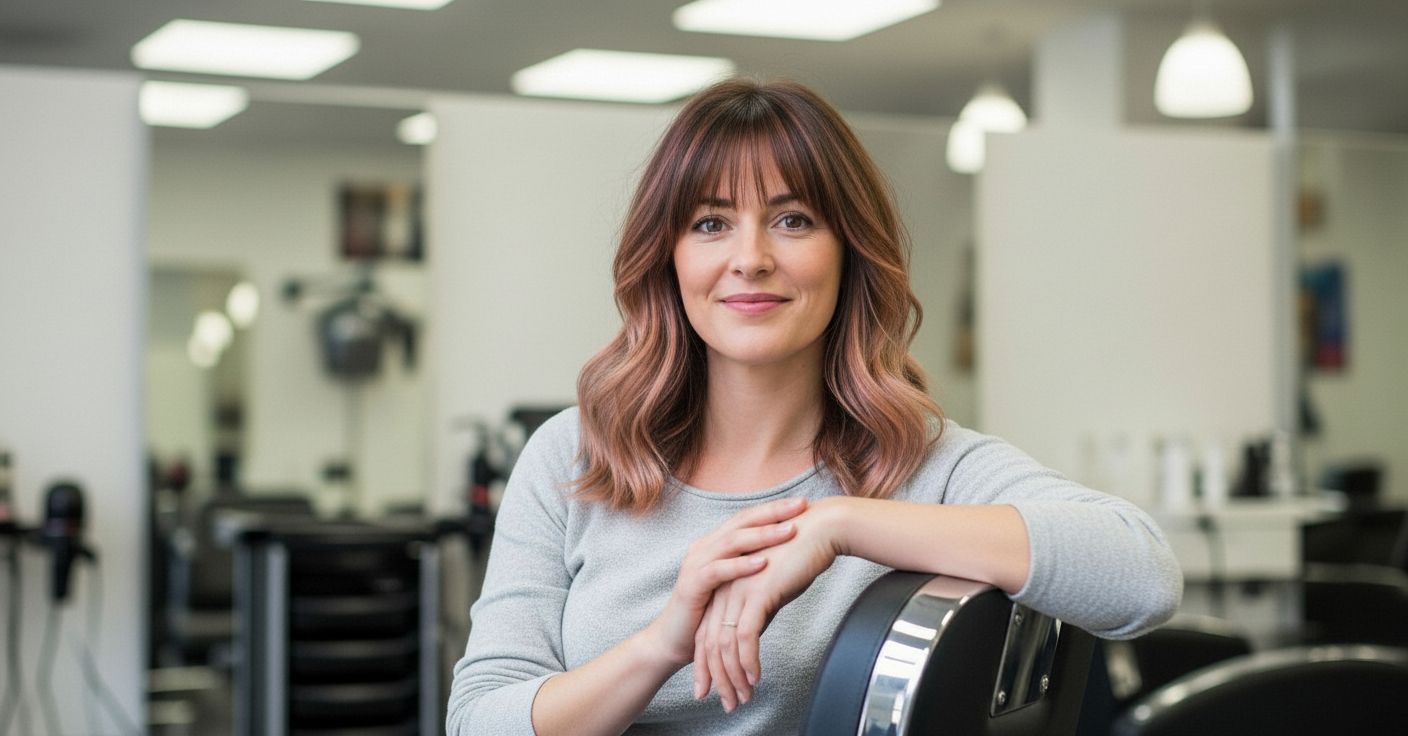
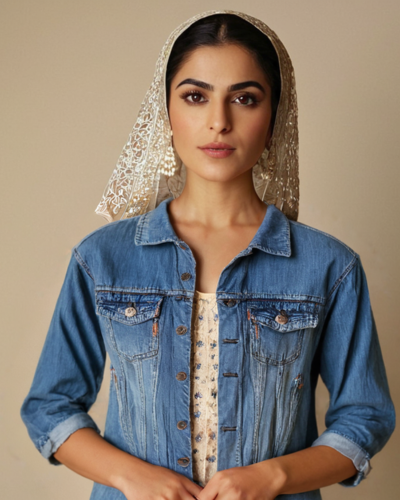
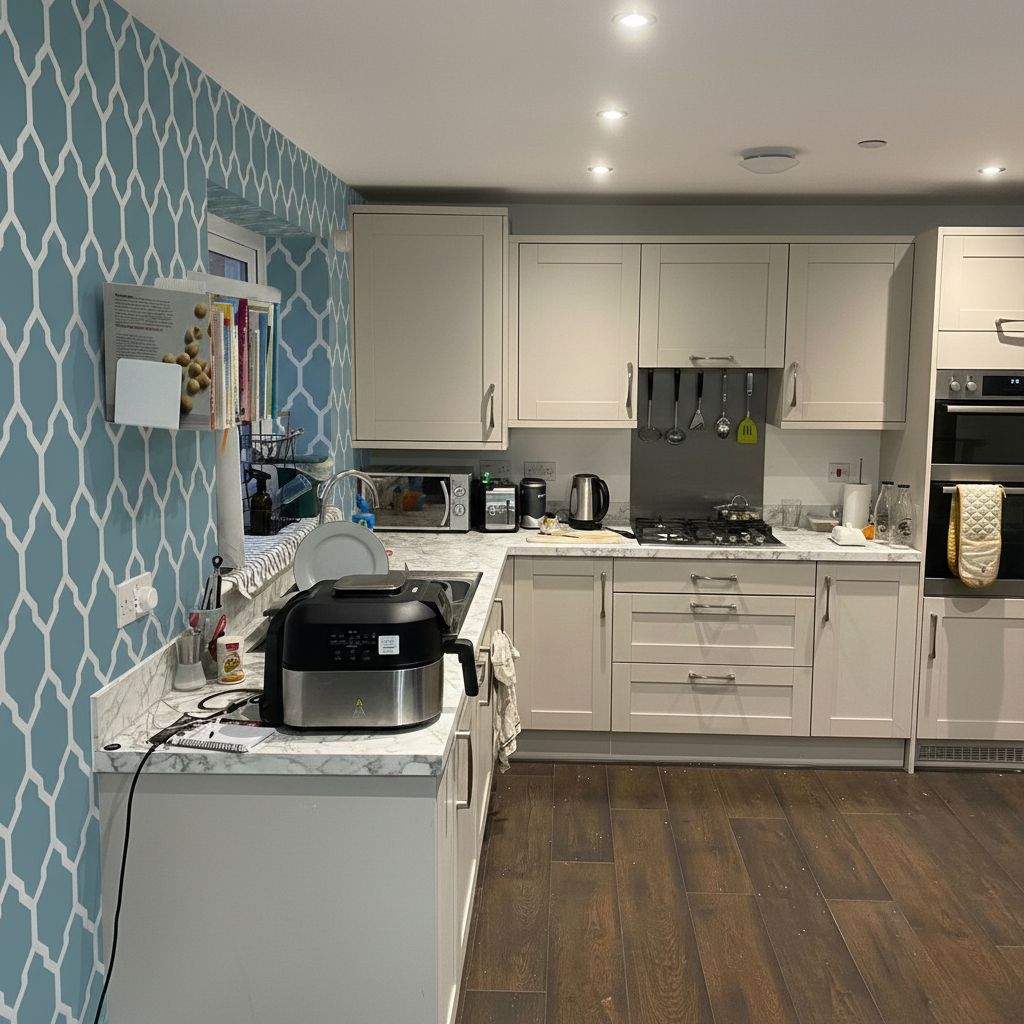
The same engine behind every InSitu category — clothing, hair, paint, wallpaper, furniture and flooring
Four stages. No fitting rooms, no samples, no regret.
Each stage is designed to remove one specific source of uncertainty — from the photo you start with, to the decision you make at the end.
Upload a photo
~5 secondsStart with a photo of yourself or the room — a selfie, a quick snap on your phone, or a photo someone else took. No professional photography, no specific lighting or pose required.
Any angle works
Standing, sitting, side-on — there's no fixed pose the engine needs.
Any lighting works
Bright, dim, natural or artificial — the engine adapts to what's already there.
Choose what to try
~10 secondsPick a product from our catalogue, or upload a link or photo of the exact item you're considering — a dress, a paint shade, a hairstyle, a sofa, a wallpaper, a flooring type.
Any category
Clothing, hair, paint, wallpaper, furniture and flooring all run on the same engine.
Compare several at once
Try two or three options side by side before deciding on any of them.
The engine renders it
~15 secondsThis is where the accuracy comes from. The engine reads your photo's lighting, depth and proportions, then places the product into it — matching shadow, reflection and scale, rather than pasting a flat image on top.
Lighting-matched
The result is lit the way your actual photo is lit, not a generic studio setup.
Depth-aware
Products sit correctly in front of and behind what's already in your photo.


Decide, share, act
Right awayCompare the result against the original, save it, or send it to a partner, stylist or contractor for a second opinion. Then buy, book or order with an answer instead of a guess.
Nothing to install
Works in your browser, on your phone or desktop — no app required.
Keep trying
Not quite right? Try another option in seconds, with no extra cost of a physical mistake.
Built on the details that make a render look fake.
Most visualisation tools fall down on one of these. InSitu is built around all of them.
No pose limit
Works from any angle or position — not just front-on studio shots.
Unlimited angles
Turn, tilt, sit — the result adapts to how you're actually photographed.
Accurate lighting
Matches the light in your original photo, not a generic studio setup.
Realistic reflections
Fabric sheen, glass, gloss paint — rendered the way they actually behave.
Depth layering
Products sit correctly in front of and behind what's already in the photo.
Cross-platform
Works on your phone, tablet or desktop — no app install required.
Questions about the process.
How long does a visualisation actually take?
Around 30 seconds from upload to result, across every category — a photo takes a few seconds to upload, choosing a product takes a few more, and the render itself takes about 15 seconds.
Do I need a good camera or professional photo?
No. A phone photo is enough — even with imperfect lighting or an unusual angle. If the relevant part of you or your room is visible, the engine can work with it.
What happens to my photo afterwards?
Your photo is used only to generate your visualisation. You can delete any photo or result from your account at any time.
Can I try more than one product before deciding?
Yes — most people compare two or three options before committing. Each additional visualisation uses one credit from your plan.
Does the process differ between categories?
No — the same three-step flow (upload, choose, render) works identically whether you're trying a dress, a paint colour, a hairstyle or a sofa.
See it for yourself — it takes less time than reading this page did.
Two free visualisations. No card required.